
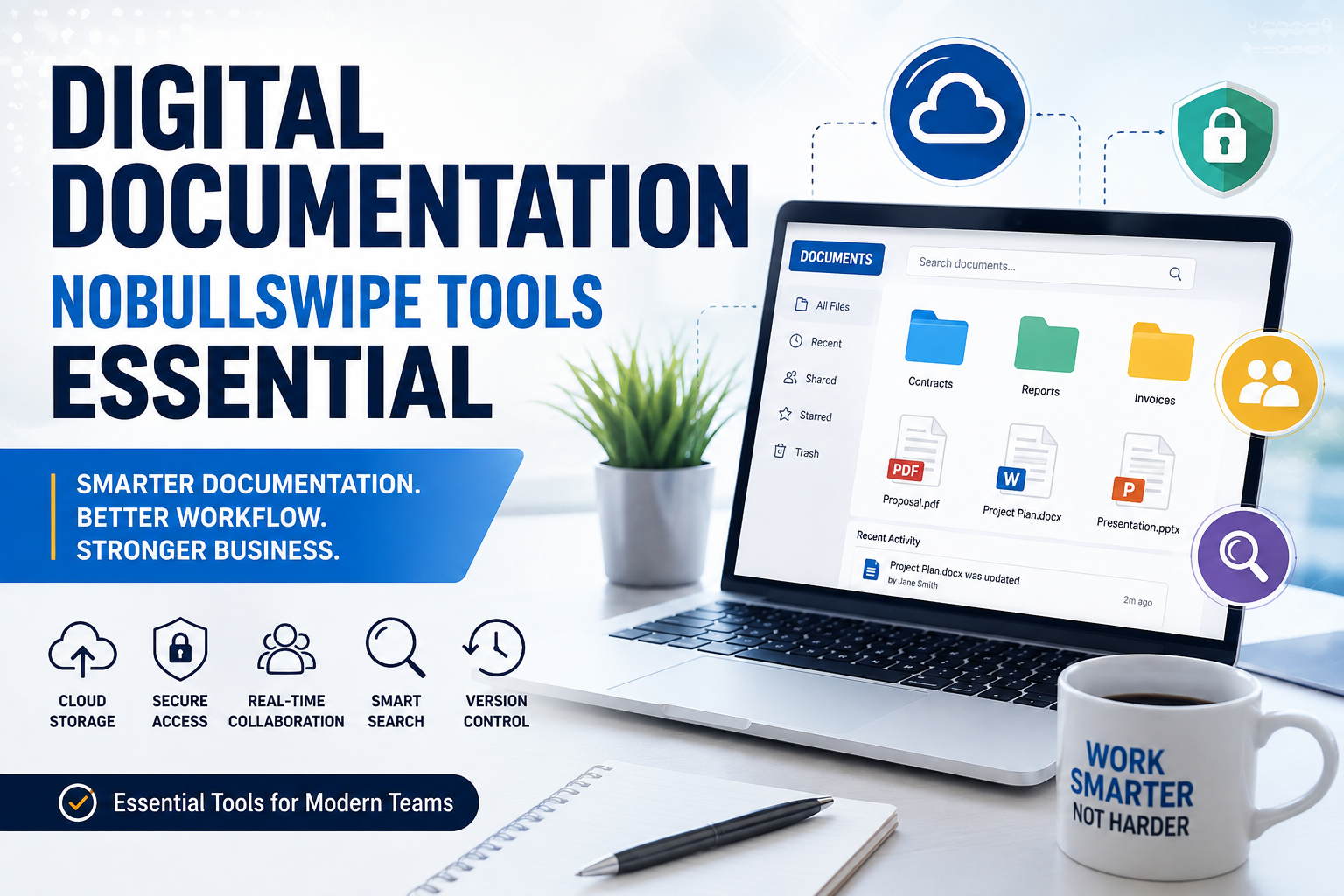
has become a core part of modern business operations, education, healthcare, software development, and remote work. Organizations are replacing paper records with cloud-based systems because they improve productivity, collaboration, security, and accessibility. According to recent industry resources, digital documentation enables centralized file management, real-time collaboration, version control, and secure cloud storage, making it an essential investment for businesses of every size.
What Is Digital Documentation?
Digital documentation Vrefers to creating, storing, organizing, managing, and sharing documents electronically instead of using paper-based records. Businesses now rely on cloud platforms and document management systems to ensure that employees can access files from anywhere while maintaining security and version control. Modern documentation includes contracts, reports, manuals, invoices, employee records, customer information, and technical documentation.
The shift toward digital documentation has accelerated due to remote work, hybrid workplaces, and cloud computing. Instead of maintaining physical filing cabinets, companies use secure online repositories that provide instant access to documents while reducing administrative overhead. Digital documentation also minimizes paper waste, supporting sustainability initiatives and reducing operational costs.
Why Businesses Are Going Digital
Organizations are embracing digital documentation because it transforms the way teams work together. Employees no longer need to email multiple document versions or search through endless folders to locate important files. Everything is centralized, searchable, and accessible in seconds.
Businesses also benefit from faster approvals, automated workflows, and seamless collaboration across departments. Whether a company has ten employees or ten thousand, digital documentation improves operational efficiency while reducing errors caused by manual processes.
Traditional Documentation vs Digital Documentation
| Feature | Traditional | Digital Documentation |
|---|---|---|
| Storage | Paper files | Cloud storage |
| Accessibility | Office only | Anywhere |
| Collaboration | Difficult | Real-time |
| Security | Physical locks | Encryption & permissions |
| Backup | Manual | Automatic |
| Search | Time-consuming | Instant search |
Why Digital Documentation Is Essential
Modern organizations generate thousands of documents every year. Managing these manually wastes valuable time and increases the risk of lost information. Digital documentation simplifies every stage of document management—from creation to storage, sharing, editing, and archiving.
Research consistently shows that employees spend a significant portion of their workday searching for information. Efficient documentation systems reduce this lost productivity through intelligent search, tagging, and organization.
Improved Productivity
Automation eliminates repetitive administrative work. Templates, document generation, digital signatures, approval workflows, and automatic backups save hours every week. Employees can focus on strategic tasks instead of paperwork.
Better Team Collaboration
Cloud-based documentation allows multiple users to edit documents simultaneously. Version history ensures that previous edits remain available, preventing accidental data loss.
Features such as comments, mentions, notifications, and shared workspaces improve communication while reducing unnecessary emails.
Enhanced Security
Modern documentation platforms include:
- End-to-end encryption
- Multi-factor authentication
- Permission-based access
- Audit logs
- Automatic backups
These features help organizations comply with security regulations while protecting sensitive information.
Core Features Every Documentation Tool Should Have
Choosing documentation software isn’t just about storing files. The best platforms include intelligent features that streamline workflows and improve collaboration.
Cloud Storage
Cloud storage enables secure access from desktops, tablets, and smartphones. Employees can work from anywhere without worrying about losing files.
Version Control
Version history records every document change, making it easy to restore previous versions and monitor edits.
Powerful Search
Advanced search tools locate files instantly using keywords, metadata, tags, or document content.
Automation
Workflow automation handles approvals, reminders, notifications, document routing, and repetitive tasks with minimal manual effort.
Best Digital Documentation Tools
Several documentation platforms dominate today’s market.
| Tool | Best For | Main Features |
|---|---|---|
| Microsoft 365 | Enterprises | Office apps, OneDrive, Teams |
| Google Workspace | Collaboration | Docs, Sheets, Drive |
| Notion | Knowledge management | Notes, databases, wiki |
| Confluence | Technical teams | Documentation, project wiki |
These solutions provide secure cloud storage, collaborative editing, version history, integrations, and enterprise-grade security.
Microsoft 365
Microsoft 365 remains one of the world’s most widely used productivity suites. Organizations benefit from Word, Excel, PowerPoint, Teams, SharePoint, and OneDrive within one ecosystem.
Google Workspace
Google Workspace excels in real-time collaboration. Multiple team members can edit documents simultaneously while tracking changes automatically.
Notion
Notion combines note-taking, documentation, databases, task management, and collaboration into one flexible platform.
Confluence
Confluence is widely adopted by software teams for technical documentation, internal knowledge bases, and project documentation.
How to Choose the Right Documentation Tool
Selecting documentation software depends on several factors:
- Company size
- Budget
- Security requirements
- Collaboration needs
- Integration capabilities
- Scalability
- Mobile accessibility
Organizations should evaluate free trials before committing to long-term subscriptions.
Common Mistakes to Avoid
Many businesses purchase documentation software without planning implementation.
Common mistakes include:
- Poor folder organization
- Lack of employee training
- Weak permission management
- No backup strategy
- Ignoring document version control
Avoiding these mistakes improves adoption rates and maximizes return on investment.
Future Trends in Digital Documentation
Artificial intelligence is transforming documentation faster than ever. AI-powered search, automatic document summaries, intelligent tagging, workflow recommendations, and content generation are becoming standard features.
Companies are also investing in automation, smarter knowledge management systems, and AI assistants that help employees locate information instantly. These innovations reduce administrative work while improving decision-making and collaboration.
Conclusion
Digital documentation is no longer optional for organizations that want to remain competitive. It improves productivity, strengthens collaboration, enhances security, and reduces operational costs while supporting remote and hybrid work environments. Whether you choose Microsoft 365, Google Workspace, Notion, or Confluence, investing in the right documentation platform helps create a more organized, efficient, and scalable business.
The future of documentation lies in cloud technology, artificial intelligence, and automation. Organizations that embrace these innovations today will be better prepared for tomorrow’s digital workplace.
Frequently Asked Questions
1. What is digital documentation?
Digital documentation is the process of creating, storing, managing, and sharing documents electronically instead of using paper.
2. Why is digital documentation important?
It improves efficiency, collaboration, security, accessibility, and document organization while reducing paperwork.
3. Which documentation tool is best?
Popular choices include Microsoft 365, Google Workspace, Notion, and Confluence, depending on your business needs.
4. Is cloud documentation secure?
Yes. Most modern platforms provide encryption, access controls, backups, and multi-factor authentication.
5. How does AI improve digital documentation?
AI enhances search, automates workflows, generates summaries, recommends content, and improves document organization.